The Angular 21 features bring major improvements in performance, developer experience, and modern web development. If you’re building scalable applications, understanding these updates is essential.
In this guide, we’ll explore the Angular 21 features, practical examples, and tool comparisons to help you upgrade confidently.
📌 Table of Contents
- What’s new in Angular 21
- Top 7 Angular 21 features
- Code examples
- Tool comparison
- Benefits & use cases
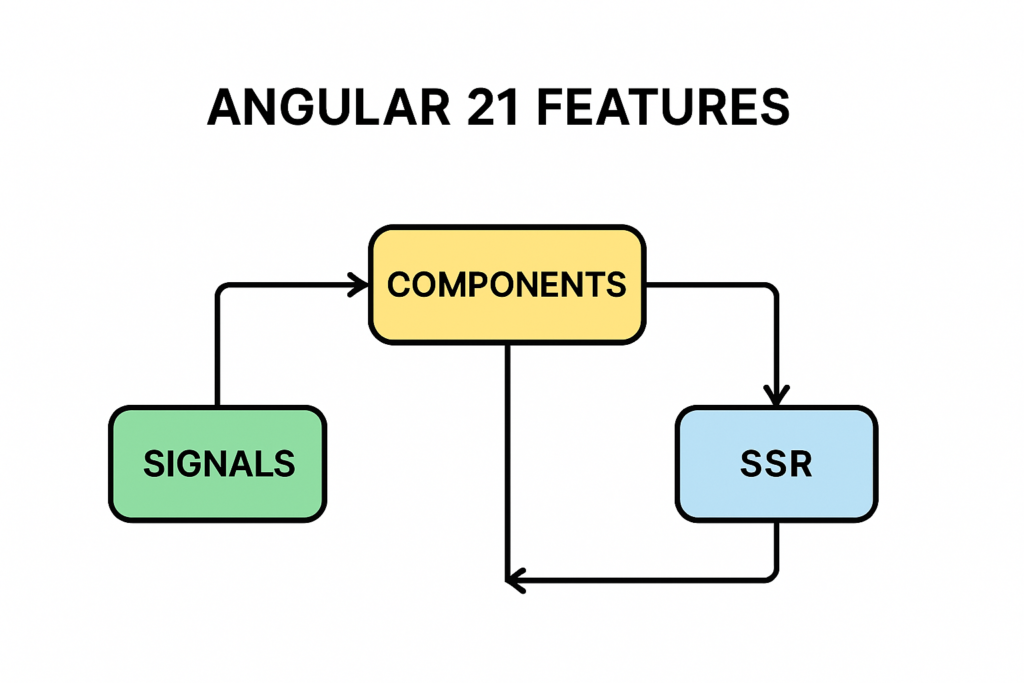
🚀 What’s New in Angular 21 Features
The latest Angular 21 features focus on:
- Faster rendering
- Better reactivity with signals
- Improved server-side rendering (SSR)
- Simplified state management
These updates make Angular more competitive with modern frameworks.
🔥 Top 7 Angular 21 Features
1. Signals (Stable Reactivity Model)
Signals are now fully stable in Angular 21 features.
Example:
import { signal } from '@angular/core';

const count = signal(0);

function increment() {
count.set(count() + 1);
}
Why it matters:
- No need for complex RxJS
- Better performance
2. Improved Change Detection
Angular now uses optimized reactivity:
- Faster UI updates
- Reduced unnecessary re-renders
3. Enhanced SSR & Hydration
Server-side rendering is improved:
- Faster page load
- Better SEO performance
4. Standalone Components by Default
No need for NgModules:
@Component({
standalone: true,
  selector: 'app-root',
  standalone: true,
  selector: 'app-root',
  template: `<h1>Hello Angular 21</h1>`
})

export class AppComponent {}
5. Built-in Control Flow (if/for)
New syntax replaces *ngIf and *ngFor:
@if (isLoggedIn) {
<p>Welcome User</p>

}
6. Optimized CLI & Build Speed
Angular CLI improvements:
- Faster builds
- Better bundling
- Reduced bundle size
7. Better Developer Experience
- Improved error messages
- Simplified APIs
- Cleaner code structure
📊 Tool Comparison (Angular vs Other Frameworks)
| Feature | Angular 21 | React | Vue |
| Reactivity | Signals | Hooks | Reactive API |
| Performance | High | High | High |
| Learning Curve | Medium | Easy | Easy |
| SSR Support | Strong | Next.js needed | Nuxt needed |
| Structure | Opinionated | Flexible | Flexible |
💡 Example: Counter App Using Angular 21 Features
import { Component, signal } from '@angular/core';
@Component({

  selector: 'app-counter',

  standalone: true,

  template: `

    <h2>{{ count() }}</h2>

    <button (click)="increment()">Increment</button>

  `
})

export class CounterComponent {
  count = signal(0);
   increment() {
    this.count.set(this.count() + 1);
  }
}
🚀 Benefits of Angular 21 Features
- Faster performance
- Cleaner code
- Better scalability
- Improved SEO with SSR
⚠️ Challenges
- Migration effort
- Learning new syntax (signals, control flow)
- Compatibility issues
📈 When Should You Upgrade?
Upgrade to Angular 21 features if:
- You want better performance
- You are starting a new project
- You need modern reactivity
✅ Conclusion
The Angular 21 features make Angular faster, simpler, and more powerful. With signals, SSR improvements, and better tooling, it is now a strong competitor in modern frontend development.
Start exploring these features to build scalable and high-performance applications 🚀
❓ FAQs
What are Angular 21 features?
New updates like signals, SSR improvements, and standalone components.
Is Angular 21 better than React?
It depends on use case, but Angular offers structured development.
Should I upgrade to Angular 21?
Yes, for better performance and modern features.
What is the best feature in Angular 21?
Signals for simplified reactivity.
🔥 Final Thoughts
If you want to stay ahead in frontend development, learning Angular 21 features is a must in 2026.
[…] However, many teams feels that they don’t require the full Nx ecosystem. Remove Nx Workspace Angular 21 is the very easy step to implement and make application easy to debug.Developers can build micro […]