The useCallback in React hook is a powerful optimization tool that helps prevent unnecessary re-renders of the component and improves performance of the react applications. If you’re building scalable React apps, understanding useCallback in React is essential. useCallback is used the memorization technique behind the scene in react.
In this guide, we’ll understand how useCallback in React works, when to use it, and examples to boost performance.
📌 Table of Contents
- What is useCallback in React
- How useCallback works
- Why use useCallback
- Examples
- Tool comparison
- Best practices
What is useCallback in React?
The useCallback in React hook returns a memoized version of a function. This means the function is not recreated on every render unless its dependencies change. It will store in the memory once component is rendered. Once the component will re-render then it will not recreated hence it will improve the performance of the react application.
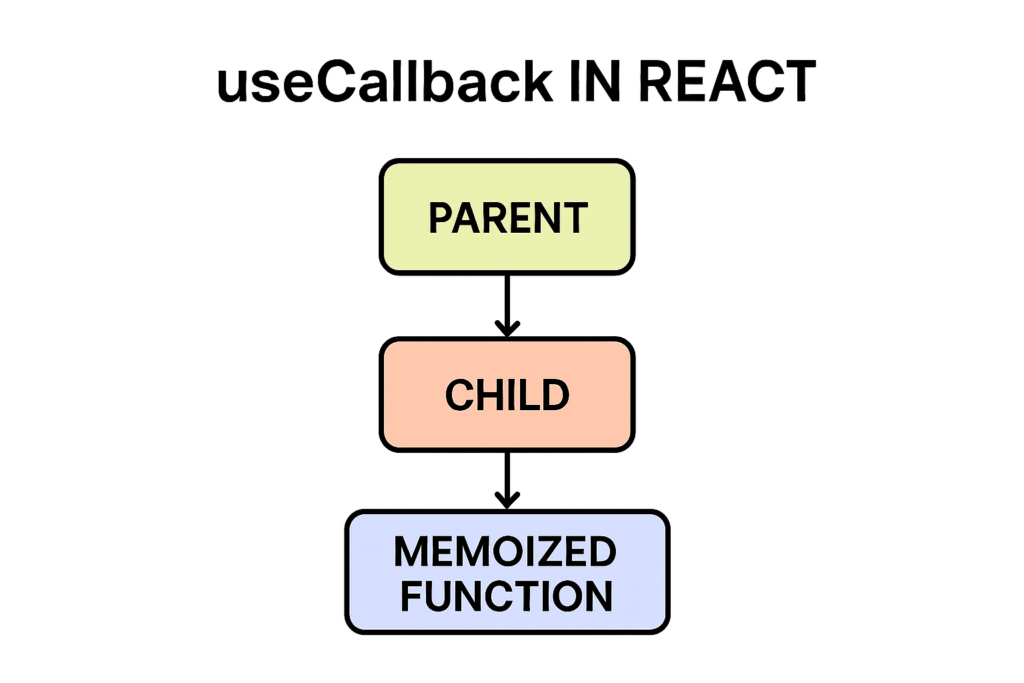
Syntax:
const memoizedFunction = useCallback(function Name () {
     // function logic…
}, [dependencies]);
🔄 How useCallback in React Works
Normally, functions in React are recreated on every render. In JS function is object and once it will recreated both object will be different instance so This can cause:
- Unnecessary re-renders
- Performance issues
- Child component also re-render
- Unnecessary DOM manipulations
With useCallback in React, the function is cached and reused. So it will not re-created on every render so performance will be improve and prevent unnecessary DOM updates.
🚀 Why Use useCallback in React?
Using useCallback in React helps:
- Improve performance of the components
- Prevent re-rendering of child components
- Optimize expensive computations
- Unnecessary DOM Updates
🔥 Example: Without useCallback
const Parent = () => {
const [name, setName] = useState(‘’);

  const handleClick = () => {

    console.log('Clicked');

   setName(‘John’);

};
   return <Child onClick={handleClick} />;
  };
Here, the function is recreated on every render. So state will update in every render.
🔥 Example: With useCallback in React
import { useCallback } from 'react';
const Parent = () => {

  const [count, setCount] = useState(0);

  const handleClick = useCallback(() => {

    console.log('Clicked');

  }, []);

  return <Child onClick={handleClick} />;

};
Now the function is memoized and stable.it will not recreated on every render so it will improve the performance of the web application.
🔥 Example: useCallback with Dependencies
const handleClick = useCallback(() => {
console.log(count);

}, [count]);
Here we have included the count property in the dependency array so once count will change only then it will recreated the function with updated data. The function updates only when dependencies change.
📊 Tool Comparison (useCallback in React vs Alternatives)
| Tool/Hook | Use Case | Complexity | Performance |
| useCallback | Memoizing functions | Medium | High |
| useMemo | Memoizing values | Medium | High |
| React.memo | Component optimization | Low | High |
| Redux | Global state handling | High | Medium |
🧠 When to Use useCallback in React
Use useCallback in React when:
- Passing functions to child components in useEffect as dependency
- Passing function to the child component in props
- Using React.memo
- Optimizing performance
⚠️ When NOT to Use useCallback
Avoid overusing useCallback in React:
- Small components
- Simple functions or computations
- No performance issues
🚀 Best Practices for useCallback in React
- Use with React.memo
- Make sure dependency array is correct
- Avoid unnecessary usage
- Combine with useMemo if needed
🔗 External Resources (DoFollow)
📈 Advanced Pattern
useCallback with React.memo
const Child = React.memo(({ onClick }) => {
  console.log('Child rendered');

  return <button onClick={onClick}>Click</button>;

});
This ensures optimized rendering. It will cache the function.
✅ Conclusion
The useCallback in React hook is a powerful way to optimize performance and control re-renders of the components. When used correctly, it helps build efficient , optimized and scalable React applications.
❓ FAQs
What is useCallback in React?
It memoizes functions to avoid unnecessary recreation.
When should I use useCallback?
When passing functions to child components.
Is useCallback always needed?
No, only for performance optimization.
Difference between useCallback and useMemo?
useCallback returns a function, useMemo returns a value.
🔥 Final Thoughts
Mastering useCallback in React will help you build high-performance applications and improve user experience 🚀with use of the useCallback hook is to prevent the unnecessary dom updates , function recreation , and improve the performance of the web application.